
Email Etiquette Worksheets
All About These 15 Worksheets
Emailing isn’t just typing-it’s about tone, clarity, and making a good impression. These 15 worksheets help students build those essential skills, from learning key email words to crafting apologies and professional subject lines. Through structured exercises, kids practice greeting appropriately, staying brief, formatting correctly, and polishing their tone according to the recipient. It transforms email from a confusing form into a confident communication tool.
What sets this collection apart is the mix of reflection, editing, and creation. Students don’t just read rules-they spot errors, rewrite emails, list etiquette norms, and write real-world messages like a sick-day note or a class miss. Each activity adds another layer of skill, building toward polished, purpose-driven email writing. The variety keeps learning dynamic and deeply practical.
By the end, students aren’t just prepared for the occasional class assignment-they’re ready to use email effectively, respectfully, and professionally. Whether they’re emailing a teacher, applying for a summer camp, or messaging a mentor, these worksheets help them hit the right tone and structure every time. It’s real-world communication confidence in every lesson.
Have a Look Inside Each Worksheet
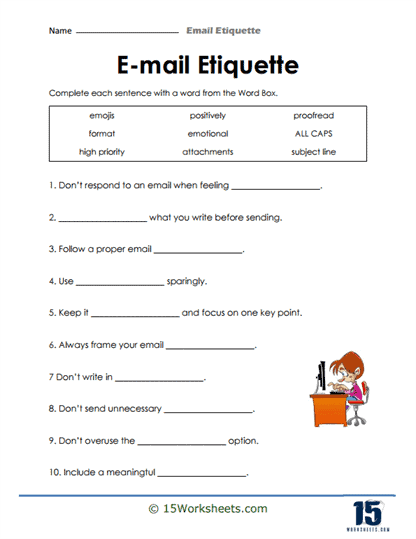
The Word Box
Students fill in a box of common email vocabulary-like “attach,” “subject,” or “cc”-to get comfortable with professional email language. It’s like opening a tool kit of key words you need before writing. This builds familiarity with email-specific terms in a fun, interactive way. It supports stronger, more accurate email writing.
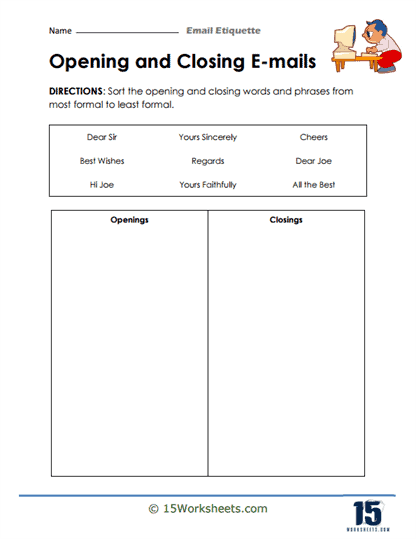
Opening And Closing
Here, students practice choosing or crafting proper email greetings (“Dear Dr. Kim,”) and sign-offs (“Best regards,”). It teaches how the first and last few words set the tone for your message. They learn etiquette basics that make emails sound respectful and polished. It supports confidence in starting and ending correspondence.
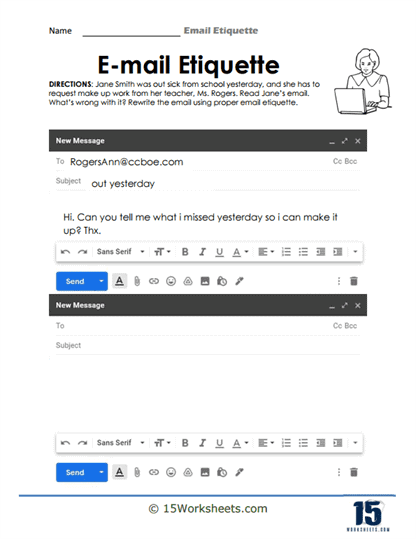
Out Sick
Students draft an email reporting absence due to illness-learning how to communicate responsibly and concisely. This worksheet teaches sensitivity, clarity, and proper tone in tricky situations. It builds real-world email skills that students will actually use. It supports respectful, responsible communication.
Addressing Your Boss
Here, students practice crafting emails aimed at-or about-authority figures, like a teacher or manager. It highlights tone, professionalism, and structure when writing upward. They get hands-on experience navigating hierarchical email etiquette. It supports respectful and context-aware correspondence.
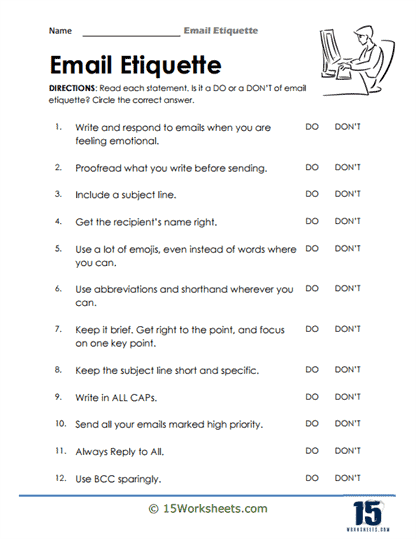
Dos And Don’ts
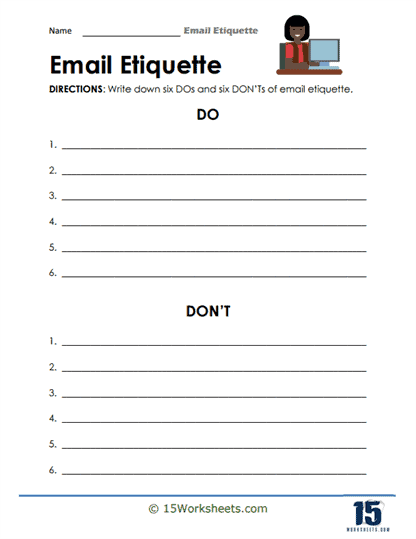
Students sort examples of good email behavior versus common mistakes-like using “LOL” or forgetting punctuation. It’s a judgment game that helps reinforce what works (and what doesn’t). They practice spotting tone issues, formatting errors, or wordy phrasing. It supports critical thinking about professionalism in writing.
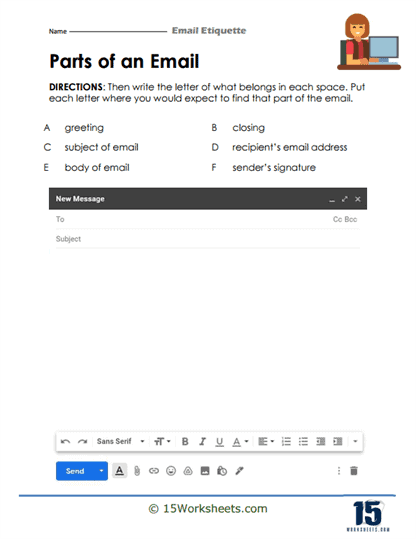
Parts Of An Email
This worksheet breaks down email structure (subject, greeting, body, closing, signature) and asks students to identify or match each part. The task helps students see how emails are built, piece by piece. It provides essential scaffolding before writing one. It supports clearer understanding of email anatomy.
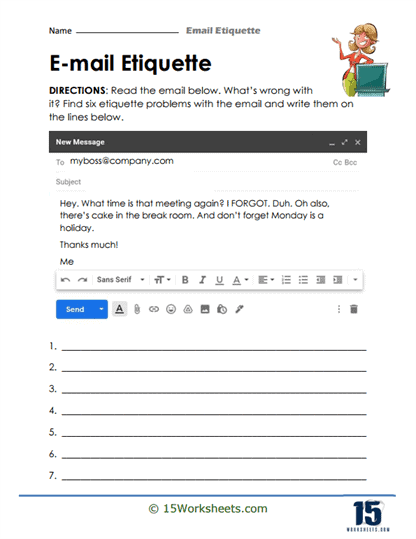
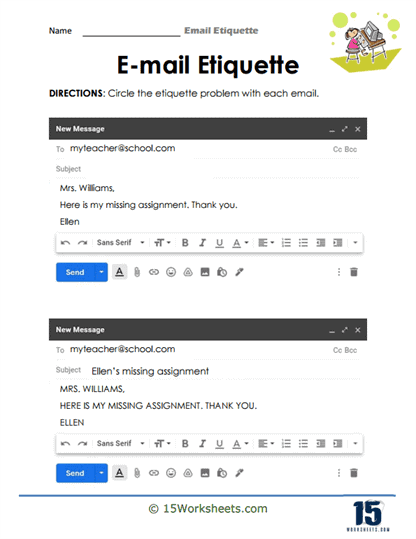
Circle The Issues
Students review sample emails and circle mistakes-like missing subject lines, informal language, or run-on sentences. It’s an editing meet detective work. They sharpen editing eyes while reinforcing email norms. It supports precision and attention to detail in written communication.
Understanding The Rules
Here, learners explore guidelines behind email conventions-like why subject lines matter or the importance of polite tone. It builds understanding rather than just following rules blindly. They learn why certain etiquette exists. It supports deeper comprehension of communication principles.
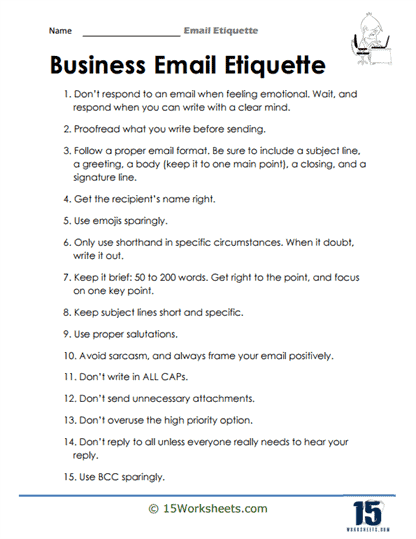
Business Email Etiquette
Students compare casual versus business email styles and learn to adapt accordingly-understanding when to use formal tone, structured layout, and professional phrasing. It’s like putting on the right outfit for the email. They practice tone-shifting for different audiences. It supports audience awareness and stylistic versatility.
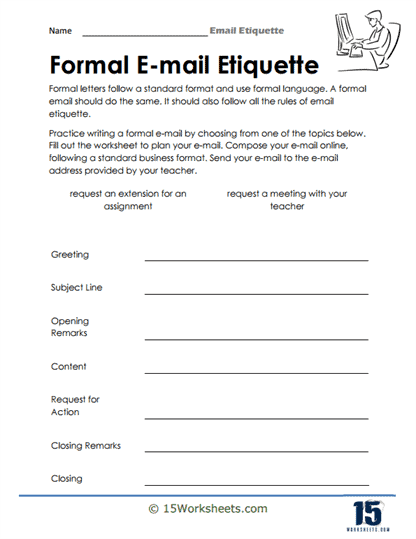
Writing Formally
This worksheet invites students to rewrite informal message examples into polished, professional language. It shows how tone and word choice affect the reader’s impression. Students build skill in adjusting register and tone. It supports adaptability and clarity in professional communication.
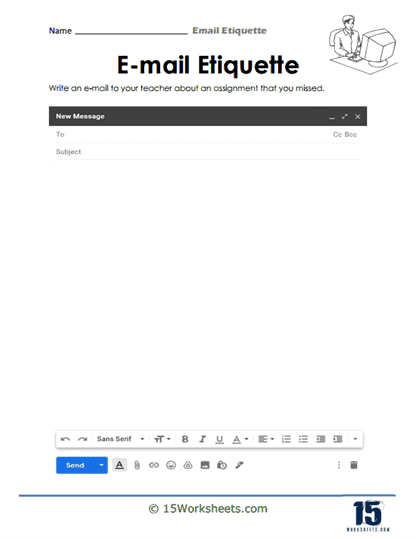
A Missed Assignment
Students compose an email explaining why they missed a deadline or task-practicing apology tone, concise explanation, and responsibility. It teaches empathy, professionalism, and accountability in writing. They learn how to balance explanation with courtesy. It supports respectful real-life communication.
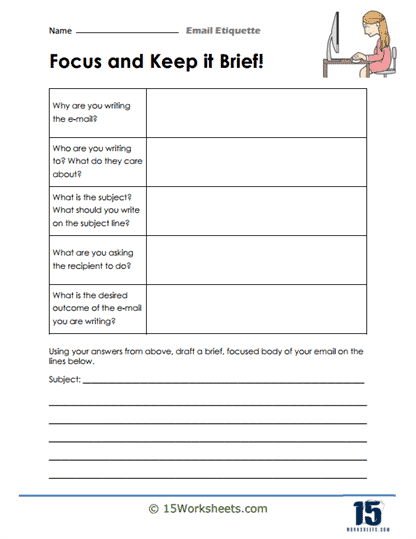
Keep It Brief
Here, students practice trimming long emails into concise, clear versions-removing fluff while staying polite and clear. It reinforces the “less is more” principle for busy readers. They build concise communication and economy of expression. It supports clarity and effectiveness in writing to real-world audiences.
Subject Lines
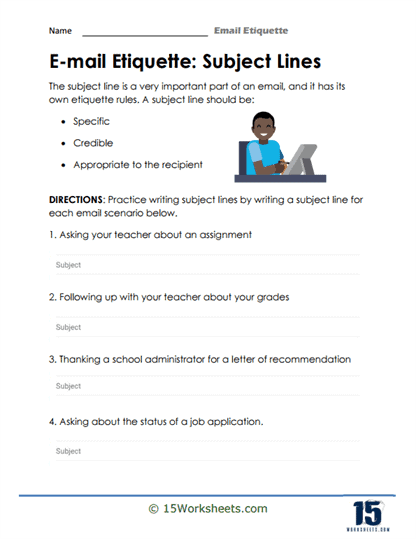
This activity has students craft clear, informative subject lines-learning how essential it is for recipient attention and clarity. It’s like writing a headline for your message-it needs to grab attention and summarize purpose. They practice precision in summarizing email intent. It supports organization and recipient consideration.
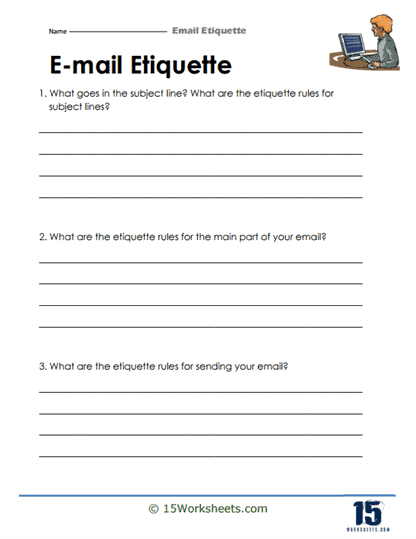
List The Rules
Students generate their own list of email etiquette rules, drawing from examples and maybe their own experiences. It’s a reflection-based task encouraging them to own what they’ve learned. They internalize guidelines in a personal and memorable way. It supports metacognitive learning and retention.
Practice Sheet
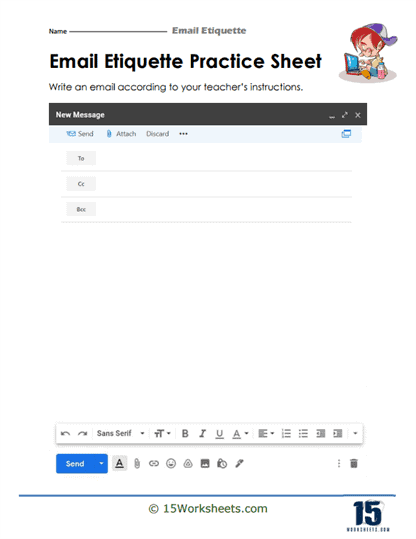
This final worksheet gives students a full email-writing task-bringing together vocabulary, structure, tone, and etiquette skills in one go. It’s the moment where everything learned comes into play. They scaffold their writing with all the tools they’ve practiced. It supports actual implementation and confidence-building.
What are The Basic Rules of Email Etiquette?
Are you always anxious about writing emails? Do you find errors in your emails after you have sent them? A US citizen uses his email account for approximately 25% of the time he works in a week. There is no denying the fact that the importance of email has increased in the last two decades, and it has replaced all other communication services as the most trusted and official network.
You may be a student addressing your instructor or supervisor or an employee communicating with the office members or higher-ups; you must know how to write a perfect email.
There are some basic rules of email etiquette which we should follow diligently to maintain the boundaries of our relationship in the practical world. As for students, they need to start using these etiquettes to become well-versed by the time they step into their careers.
To help you write a perfect email, we have listed some basic rules to follow and pointed out some recurring mistakes to avoid.
Describe The Main Idea In The Subject
Instead of sending emails with vague subject heads, sending to-the-point messages in the subject line is always good. For example, you should write “meeting of finance heads on 2/07/22 at 3 PM” instead of “meeting on 2/07/22.” It is common knowledge that the recipient opens the email after studying the subject line, so it should be strong and attention-grabbing.
Use a Professional Email ID
If you still use the email ID that you made in 8th grade, which says: jUlezisscoolz@hotmail.com, to address your professor or your boss, it will surely make a non-serious and bad impression on you the other person. Only use your email provided to you by the organization where you work to communicate with colleagues, and a personal email that should be your full name only, such as marywhitney@whichever service handle you prefer.
Add a Signature to Your Email
You might have received emails with a sign-off with the sender’s name, his electronic signature, where he works, and his current position. It not only looks professional, but it increases your ROIs in the market.
Proofread Your Email
Just like you proofread all your work, it is important to reread the email you have written before sending it. There must be a typo, an extra exclamation mark, a forgotten comma, or a full stop. It would help if you understood that such errors might be small but negatively impact the recipient. Also, do not add the recipient’s email address until you have completed the email because, by mistake, if you click on send and the email is sent, there is no un-send button.
Use Professional Greetings and Tone
If you are using a work email, then always beware of the kind of language you use in the email. It must be professional and if you think of adding humor to it, then make sure it doesn’t hurt the other person or is considered prohibited in the work ethics laid by the office. Never use “Hi There” as a salutation in email; always end it with “regards.”
Read All Your Emails
It is mandatory and expected of you to regularly check your emails and reply to all of them unless it is asked not to do. Sometimes there are emails in the junk box or spam from clients whom the apps might not recognize as important, so it is considered one of the basic rules of email etiquette to check these.