
Digital Media Vocabulary Worksheets
About These 15 Worksheets
Digital media is everywhere these days, from streaming videos and social media posts to online ads and websites we visit every day. That’s why learning digital media vocabulary can feel a little like getting a backstage pass to how the internet works. This worksheet collection introduces students to the words and concepts behind online communication, digital advertising, website design, and internet technology in a way that feels approachable and practical. Instead of staring at confusing tech jargon, learners get to break down terms into manageable ideas that actually make sense.
These worksheets help students become more comfortable with digital language by mixing matching activities, writing exercises, research tasks, and problem-solving challenges. Students practice recognizing important internet terms, understanding how online systems work, and explaining technical ideas in their own words. The activities are designed to build confidence step by step, so learners can move from simply recognizing vocabulary to actually using it accurately in discussions and assignments. Whether students are working independently, in small groups, or with teacher guidance, the collection keeps learning active and engaging.
Beyond vocabulary practice, these worksheets also help students better understand the real-world role of digital media in modern life. Learners explore how websites attract visitors, how online advertisements are measured, and how information travels across the internet every second of the day. The activities encourage thoughtful conversations about technology, communication, and responsible online behavior while helping students connect classroom learning to the digital world they already interact with daily. By the end, students may even start casually tossing around terms like “SEO” and “click-through rate” like tiny tech professionals in training.
About Each Worksheet
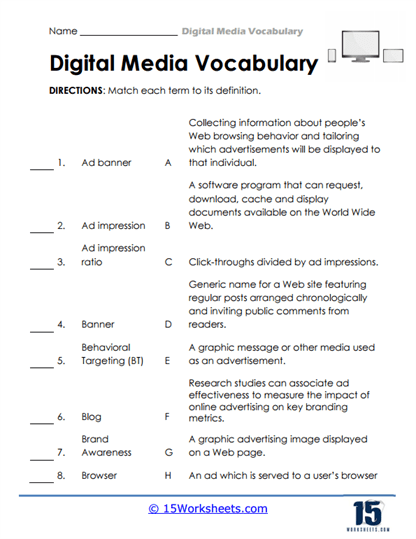
Banner Blitz
Banner Blitz gives students a fun introduction to the language of digital media and online advertising through an engaging matching activity. Learners connect terms like blogs, browsers, and ad banners to their correct meanings while building confidence with technology vocabulary. The worksheet helps students understand how websites and online ads work together behind the scenes of the internet they use every day. It works well as an independent practice activity, a classroom review, or even a partner challenge at home. By the end, students may start spotting digital marketing terms everywhere they browse online.
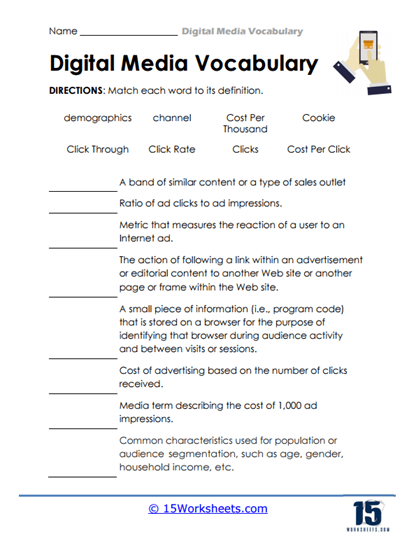
Click Counts
Click Counts dives into the world of online advertising metrics and audience tracking with a vocabulary matching challenge. Students learn about concepts like demographics, cookies, and click-through rates while exploring how businesses measure online engagement. The activity helps learners understand that the internet is full of systems quietly counting clicks, visits, and interactions all day long. It’s a great worksheet for introducing media literacy discussions or supporting lessons about technology and marketing. Students may never look at an online ad the same way again after discovering how much data hides behind every click.
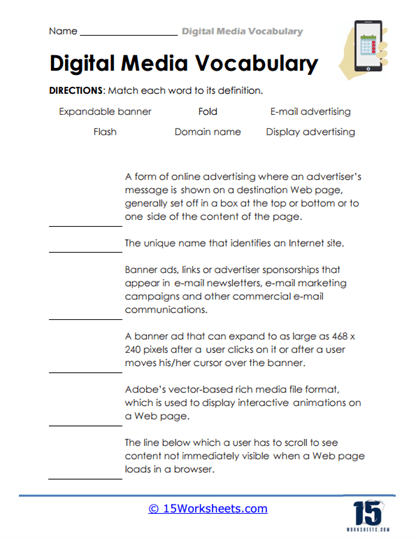
Domain Dash
Domain Dash helps students explore internet terminology and online advertising formats through a definition-matching activity packed with digital vocabulary. Learners practice identifying concepts such as domain names, display ads, and e-mail advertising while connecting them to real-world internet experiences. The worksheet encourages careful reading and helps students recognize how websites are structured and promoted online. Teachers can use it as a technology warm-up, vocabulary review, or part of a larger digital literacy lesson. It’s the kind of activity that makes the internet feel a little less mysterious and a lot more understandable.
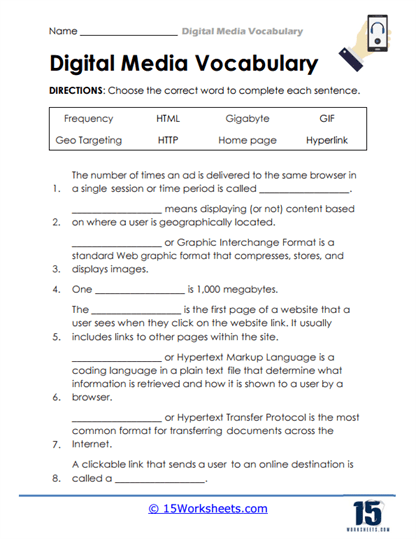
Hyper Hints
Hyper Hints challenges students to complete sentences using important digital media terms like homepage, hyperlink, and HTML. The word bank format gives learners support while still encouraging them to think carefully about context clues and meaning. Students practice applying internet vocabulary in realistic situations, which helps the terms stick much more naturally. This worksheet fits nicely into classroom technology units or can be used for extra practice at home. By the end, students may start sounding suspiciously tech-savvy during everyday computer time.
Internet Insights
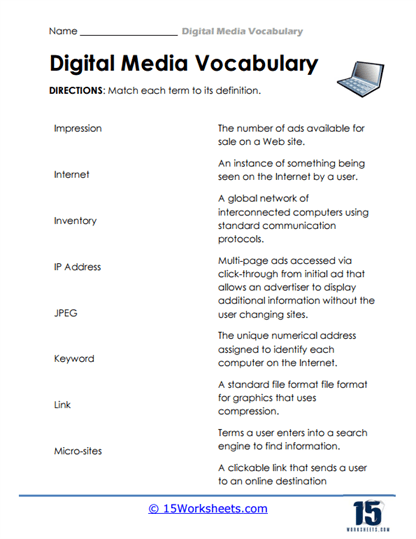
Internet Insights introduces students to internet systems and online communication concepts through an engaging vocabulary matching exercise. Learners connect terms like IP address, keywords, and micro-sites to their definitions while discovering how digital systems support online searches and advertising. The activity encourages students to think about the hidden structures that make websites and online tools function smoothly. It works especially well for building confidence with unfamiliar technology vocabulary in a low-pressure format. Students might even surprise themselves by understanding terms they’ve probably heard adults use without explanation before.
Marketing Matrix
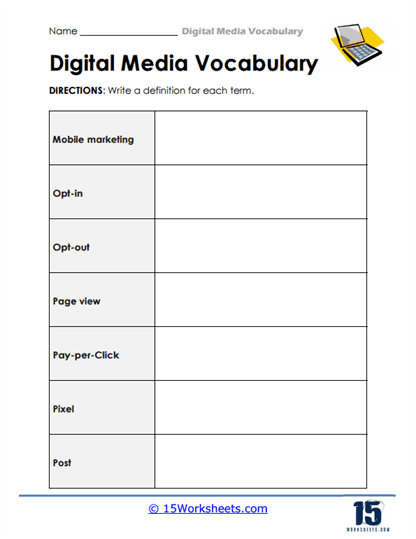
Marketing Matrix asks students to explain digital media and advertising terms in their own words, giving them a chance to move beyond memorization. Learners define concepts like mobile marketing, pay-per-click ads, and page views while practicing clear written communication. The worksheet encourages independent thinking because students must organize and explain technical ideas themselves. Teachers can use it for writing practice, vocabulary reinforcement, or quick assessment activities in technology lessons. It’s a nice reminder that understanding digital media isn’t just about recognizing terms-it’s about being able to explain them too.
Search Sparks
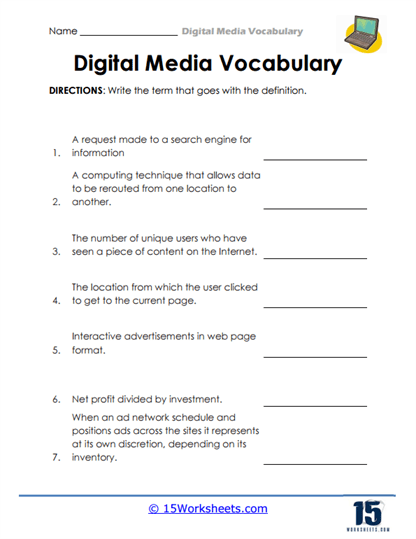
Search Sparks turns digital media vocabulary into a clue-solving challenge where students identify terms based on written definitions. Learners use reasoning and context clues to figure out concepts connected to search tools, internet traffic, and online communication systems. The activity feels a little like solving mini technology riddles while strengthening reading comprehension skills at the same time. It’s a great choice for classroom review games, stations, or independent practice sessions. Students may end up feeling like internet detectives by the time they finish the worksheet.
Search Signals
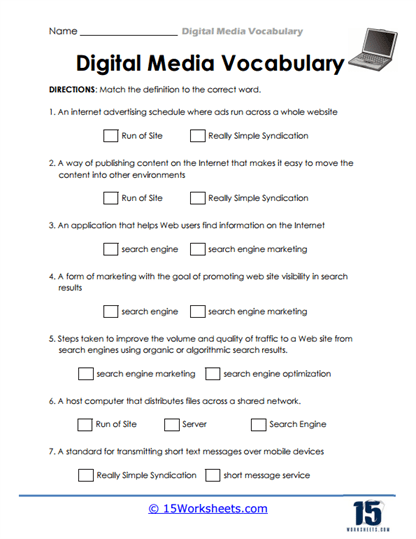
Search Signals introduces students to online communication systems, search engines, and internet publishing vocabulary through multiple-choice style matching activities. Learners explore terms connected to servers, syndication, and digital marketing while building a stronger understanding of how information moves online. The worksheet encourages careful reading and thoughtful comparison of similar technology concepts. It can easily fit into media literacy units, computer classes, or enrichment activities focused on internet awareness. Students may suddenly realize just how much technology teamwork happens every time they type something into a search bar.
Traffic Trends
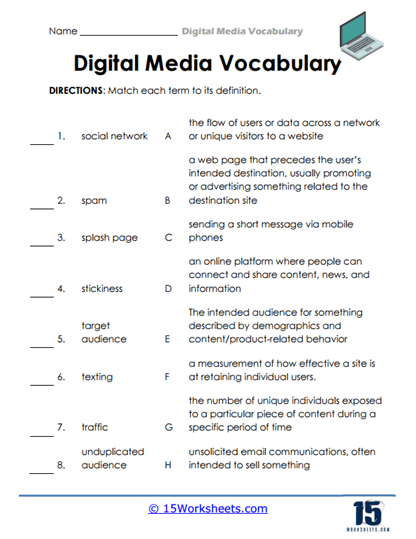
Traffic Trends helps students learn about online communication and internet audience behavior through a vocabulary matching activity filled with modern digital terms. Learners connect words like spam, splash pages, and social networks to their meanings while exploring how websites attract and engage visitors. The worksheet builds understanding of how online spaces communicate with users and measure interaction. It works well for classroom discussions about digital citizenship and responsible internet use too. Students will probably recognize several of these concepts from their own online experiences almost immediately.
Visitor Vault
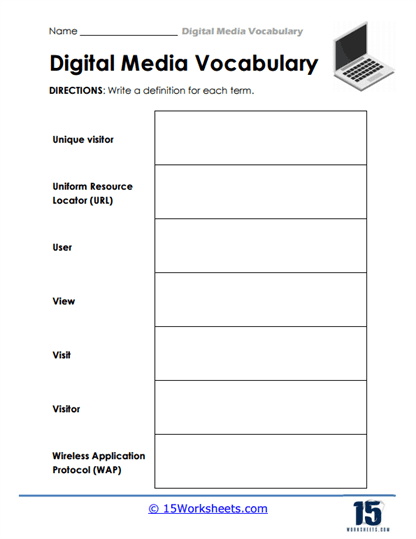
Visitor Vault focuses on internet terminology connected to websites, navigation, and user interactions in online spaces. Students define terms such as URLs, visitors, and page views while practicing how to explain technical ideas clearly and accurately. The activity helps learners better understand how websites organize and track information behind the scenes. Teachers can use it for writing reinforcement, technology review, or digital literacy skill-building activities. It’s a helpful worksheet for turning confusing internet vocabulary into ideas students can confidently discuss.
Virtual Vision
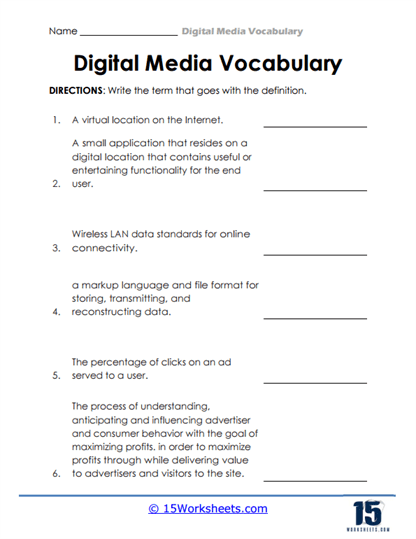
Virtual Vision challenges students to identify digital media vocabulary words based on detailed written descriptions and clues. Learners work through concepts connected to wireless networking, markup languages, and online advertising metrics while sharpening their reasoning skills. The activity encourages students to connect prior knowledge with careful reading to solve each definition challenge. It’s perfect for strengthening vocabulary recall while keeping students mentally active and engaged. Students may feel pretty accomplished once they realize they can decode advanced-looking technology language on their own.
Acronym Arcade
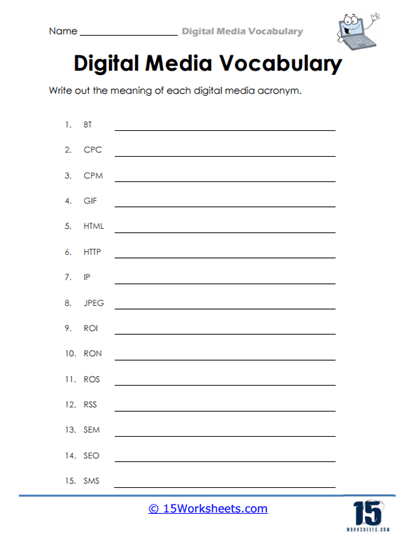
Acronym Arcade introduces students to common internet and digital media abbreviations like SEO, HTTP, ROI, and GIF. Learners practice writing out the full meanings of these acronyms while discovering how often shorthand terminology appears in online communication. The worksheet helps students become more comfortable with professional digital language used in technology and marketing industries. It works especially well as a quick review activity or an introduction to internet vocabulary lessons. Students will probably start noticing these acronyms everywhere once they know what they actually stand for.
Data Drift
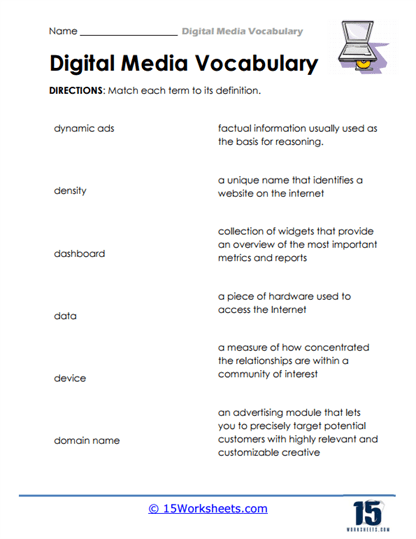
Data Drift teaches students about online advertising systems and internet tools through a vocabulary matching activity filled with technical terms. Learners connect words like dashboards, dynamic ads, and domain names with their definitions while exploring how digital platforms organize information. The worksheet encourages close reading and careful analysis of technology-related concepts. It’s a useful activity for helping students understand how businesses and websites manage digital communication and audience targeting. By the end, students may start realizing there’s a whole system of data quietly working behind every webpage they visit.
Media Mixup
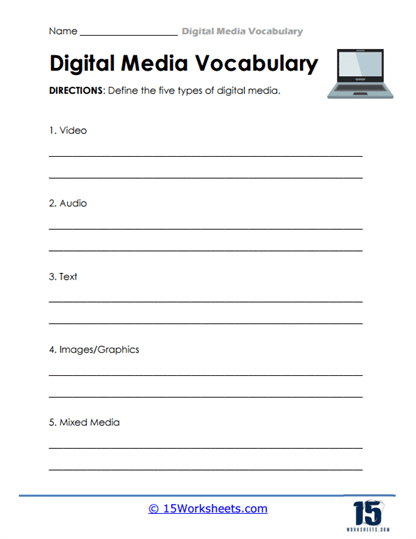
Media Mixup introduces students to the five major forms of digital media, including video, audio, images, text, and mixed media. Learners define each category and explore how different types of digital content communicate ideas online and through technology. The activity encourages students to think about the media they consume every day, from streaming videos to social media posts and online articles. It’s a great worksheet for combining digital literacy with creative discussion and real-world examples. Students may even start analyzing their favorite apps and websites like mini media experts afterward.
Vocabulary Voyage
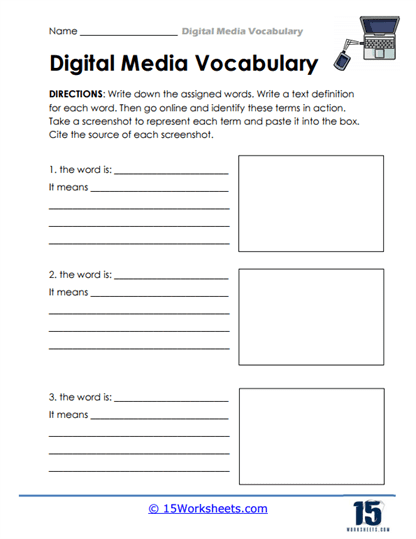
Vocabulary Voyage sends students on a research adventure where they investigate digital media terms independently. Learners define vocabulary words, locate online examples, and collect screenshots and citations to support their findings. The worksheet combines technology exploration, research practice, and vocabulary development into one hands-on activity. It works especially well for independent learning projects, computer lab activities, or digital citizenship lessons. Students often enjoy feeling like real researchers while exploring authentic online content and discovering how digital vocabulary appears in the real world.
What is Digital Media Vocabulary?
Digital media vocabulary is the collection of words people use to talk about websites, online communication, internet tools, social media, digital advertising, and technology systems. It includes everything from simple terms like “homepage” and “browser” to more advanced ideas like “SEO” and “click-through rate.” At first, some of the words can sound like secret internet code invented by computer wizards hiding in dark rooms full of glowing monitors. But once students learn the meanings, the digital world suddenly starts making a lot more sense. Understanding these terms helps learners feel more confident using technology both in and outside the classroom.
Digital media vocabulary matters because so much of modern life now happens online. People use digital tools to communicate, learn, shop, work, stream entertainment, and share information every single day. Businesses depend on digital advertising, schools rely on online learning platforms, and websites constantly collect and organize information behind the scenes. Learning this vocabulary helps students become smarter internet users who understand how digital systems work instead of simply clicking buttons and hoping for the best. It also prepares learners for future careers and academic subjects connected to technology, communication, and media.
Studying digital media vocabulary supports broader learning goals in reading, writing, and communication too. Students strengthen comprehension skills when reading technical definitions, practice writing clearly when explaining concepts, and improve critical thinking when analyzing online systems and media messages. These activities also encourage responsible digital citizenship by helping learners think more carefully about how information is created and shared online. Most importantly, digital media vocabulary gives students the tools to confidently participate in a world where technology plays a role in almost everything we do.